
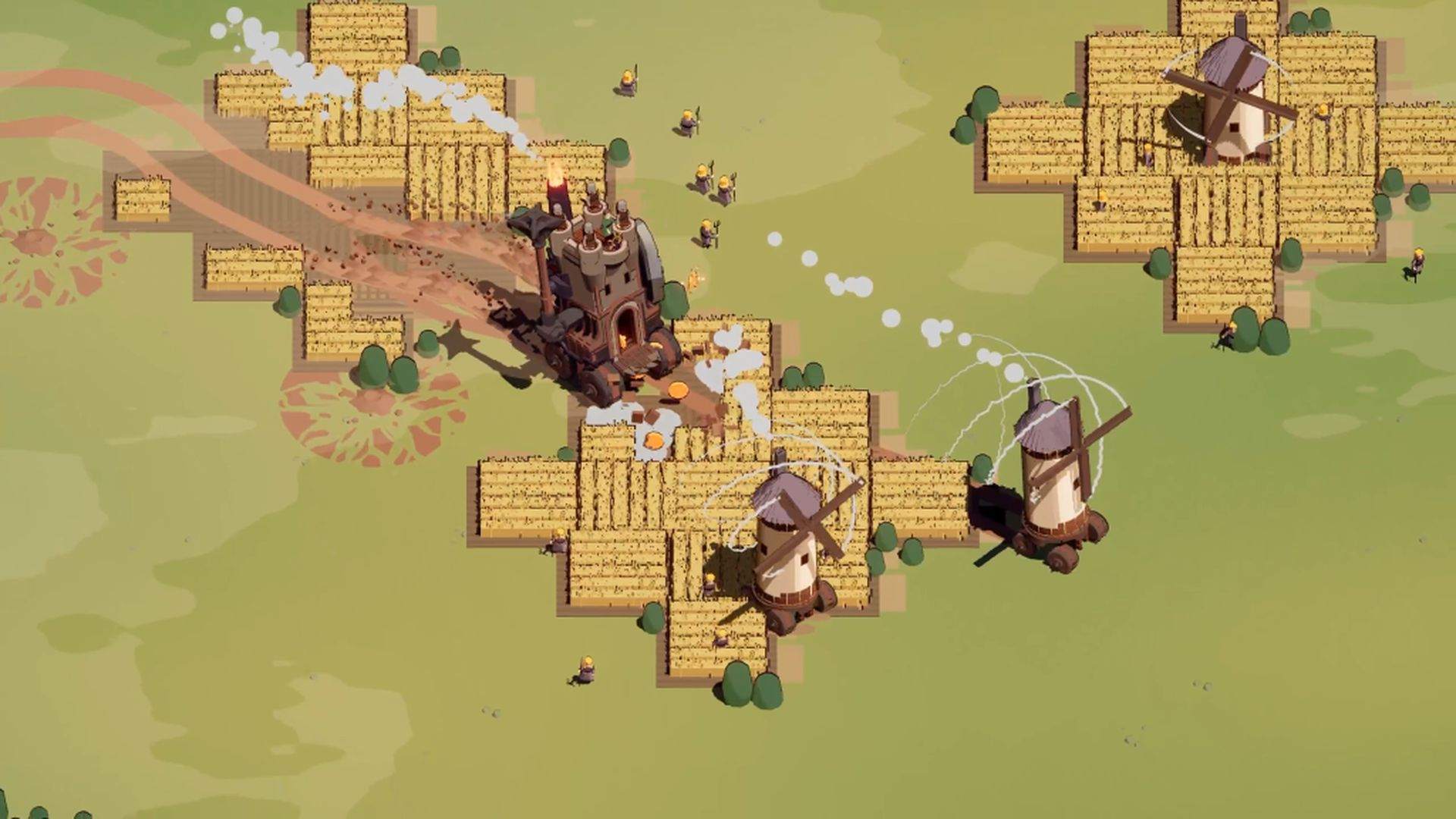
Wanderburg Mods and Trainers: What Is Officially Supported
Wanderburg mods and trainers: no official mod support or Steam Workshop, what third-party trainers do, and the in-game options that cover most of it.

Wanderburg has no official mod support and no Steam Workshop.
The store category list has no Workshop or Mod entry. The official Press Kit lists the engine (Unity 6) and the platform (PC, Steam and Windows), and never mentions mod support.
Every trainer you find online — PLITCH, MrAntiFun, WeMod — is a third-party tool, not a game feature.
One more thing worth knowing: the game shipped five versions between 8 and 12 September. Third-party tools break quickly at that pace, and injecting into the process carries security and account risk. When something goes wrong, there is no official support channel for it.
No official mods, no Workshop
| Where to check | Result |
|---|---|
| Steam store category list | No Steam Workshop, no mod entry of any kind |
| Official Press Kit fact sheet | Engine Unity 6, platform PC (Steam, Windows), no mod support statement |
| Official patch notes (0.9.6-0.9.10) | Balance, bugs, performance and controls only; no mod tools or editor |
Demo-era community mods do not carry over either. 0.9.8 changed the Graphics API mode, and that kind of low-level change is usually what breaks third-party tools.
What third-party trainers actually do
Based on third-party tool showcases, the usual feature set is small:
- God mode / invincibility: no health loss, so you can try builds freely.
- Damage multiplier: scale incoming damage instead of removing it.
- Infinite nitro: boost without waiting for regeneration, which changes movement entirely.
- Resources and progression: hand yourself Silver, or speed up unlocks.
It sounds like a time-saver. What it actually edits is the progression curve the developer designed. 0.9.10 had only just tied reroll count to how many modules you have unlocked — skipping progression skips the build experience with it.
Why they break so often
The official notes show five patches between 8 and 12 September 2026, touching module damage, boss health, the Graphics API mode and nitro regeneration.
Third-party trainers live by reading and writing a running game process. The moment the game updates its memory layout or a mechanic, the tool can fail, error out, or crash the game.
You cannot get support for that from the developer, because the developer has never acknowledged third-party tools.
The steadier route: in-game options
A few official store categories already cover most “too hard” or “too slow” needs, with no risk at all:
- Adjustable Difficulty.
- Playable without Timed Input.
- Save Anytime.
- Keyboard Only, Mouse Only and Touch Only options, plus full controller support.
How to check whether mods arrive later
Open the Steam store page and look for a Workshop entry or a Workshop item in the category list. Or search the game in the Steam Community Workshop hub.
If official mod support ever lands, expect the store categories, the Workshop entry and a patch note to appear together. This page reflects the state as of 2026-09-18.
Sources: Steam store page and official category field, official Press Kit, Steam announcement 0.9.8, 0.9.10; third-party tool features referenced from a PLITCH showcase video and the MrAntiFun thread (third-party sources, not a recommendation).
Watch: WANDERBURG Cheats: Godmode, Infinite Nitro & 100K Silver | PLITCH